Blog

The Next Platform Shift: Why ChatGPT Apps Matter

Haydar Sahin

Haydar Sahin / 19 Nov 2025

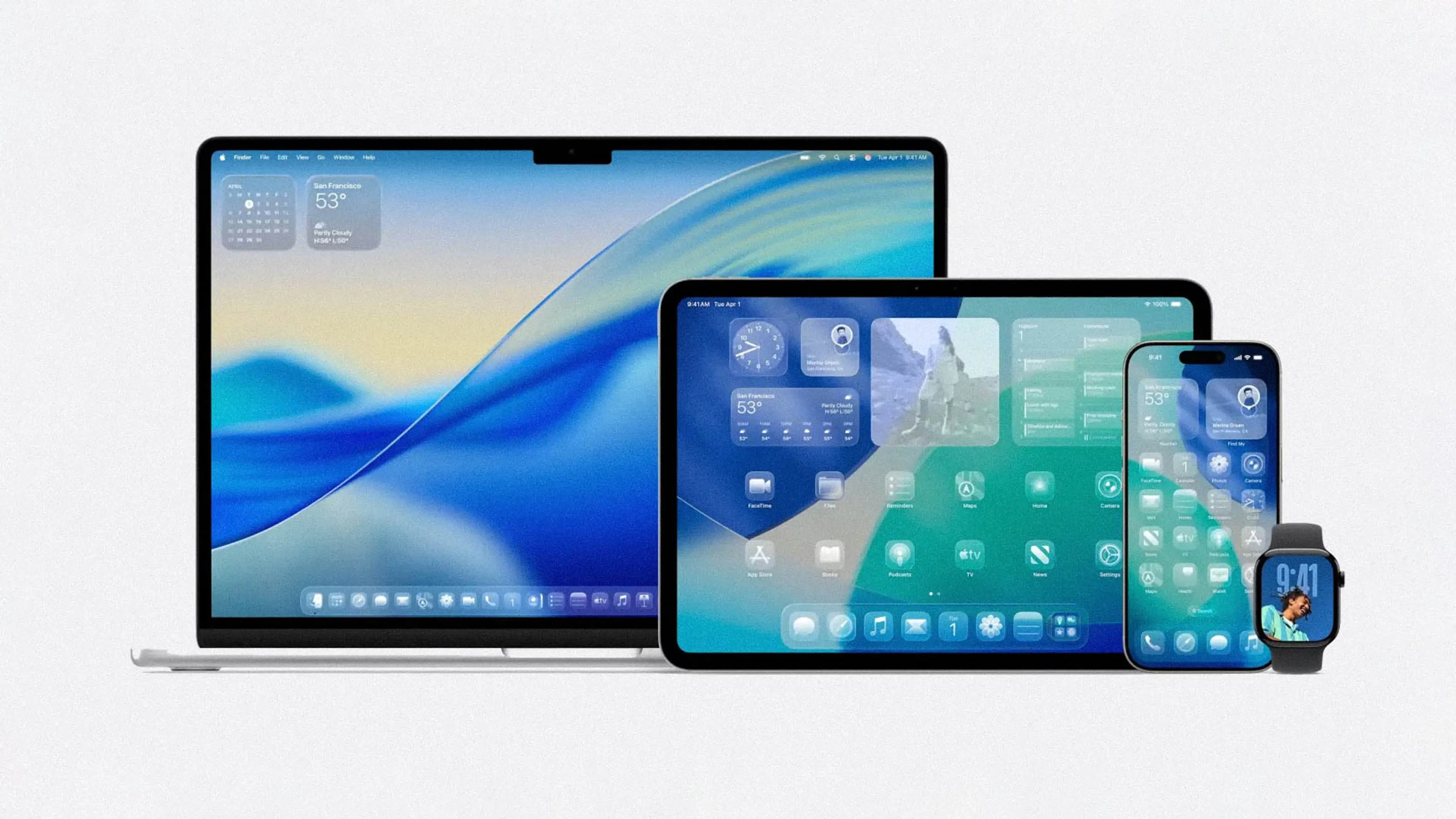
Every decade or so, a new platform emerges that reshapes how we build and use software.

First, it was the web, a revolutionary shift that allowed anyone to access interactive interfaces through a browser.

Then came mobile, which redefined how we interact with technology in our daily lives through iOS and Android apps.

For a while, the industry believed the next frontier would be AR/VR. The hype was almost faded, but with devices like Apple Vision Pro or Ray-Ban Meta glasses interest is rising again. And in that world, User Interface will not be limited to visuals! Voice and conversation will play an increasingly central role.

Generative AI has accelerated this shift even faster than expected.

With the rise of ChatGPT and large language models, we’re entering a new era where natural language becomes a primary interface. Instead of navigating menus, users simply talk to apps.

And just as iPhone introduced the App Store, ChatGPT is becoming a platform of its own.

Today, we can build apps inside ChatGPT using prompt engineering.
But the real transformation is happening one level deeper – with MCP servers and the ChatGPT Apps SDK, which let you deliver fully interactive applications directly inside the chat interface.

This fundamentally changes how users will interact with software in the next decade.

Divider

ChatGPT Apps SDK -
Overview

The ChatGPT Apps SDK is a framework that lets you build custom applications that run inside ChatGPT.

It gives developers a way to:

  • Expose their own services to ChatGPT as tools, and
  • Create interactive UI widgets that appear directly inside the chat.

This lets ChatGPT act as both the interface and the logic orchestrator, while your application provides the data, actions, and custom UI.

booking example

What does using
a ChatGPT App look like?

Booking.com has built its some of the travel-search experience directly into ChatGPT using the Apps SDK. A user starts with a simple request:

@Booking.com, Find me hotels in Berlin for next weekend.

ChatGPT hands this request to Booking’s own ChatGPT App, which triggers their hotel search API behind the scenes.

Then, a Booking branded widget appears inside the chat, showing a curated list of hotels with their prices, photos, ratings, filters, and availability.

The user taps a hotel, and the widget updates instantly with room types, amenities, cancellation options, and a map. ChatGPT can continue the chat naturally.

The user never leaves the chat.

Booking.com handles the logic, data, and UI through its App SDK integration, while ChatGPT manages the conversation.

Architecture

The ChatGPT Apps SDK Apps consists of four core components that work together to deliver an interactive ChatGPT App.

Architecture Diagram for ChatGPT Apps SDK Apps

Architecture Diagram for ChatGPT Apps SDK Apps

1. Widget (UI Inside ChatGPT)

The interactive interface users see in ChatGPT.

It is responsible for:

  • Displaying data from the MCP server
  • Handling user interactions
  • Calling tools through window.openai.callTool
  • Managing widget-local state

It is typically built with React and TypeScript, and compiled into static files that ChatGPT loads via the MCP server.

2. MCP Server (Core App Logic)

This service defines the tools (which is server-side functions your app exposes to ChatGPT so it can perform actions, fetch data, or trigger workflows on your behalf) ChatGPT can call.

It is responsible for:

  • Running business logic
  • Connecting to APIs or data sources
  • Returning structured content + widget metadata

It can be implemented in Node.js with TypeScript or Python with FastAPI.

Sequence Diagram for ChatGPT Apps SDK Apps

Sequence Diagram for ChatGPT Apps SDK Apps

3. Backend Services (Optional)

If the application requires persistence or domain-level logic, backend services can be added.

These are responsible for:

  • Storing data
  • Implementing business rules
  • Integrating with other systems.

4. Identity Provider / OAuth

An Identity Provider securely authenticates users so ChatGPT can call your MCP server on their behalf.

It is responsible for:

  • OAuth Authorization Code + PKCE
  • Issues access tokens
  • Enforces scopes and permissions.

How to start?

To build a ChatGPT App, you produce two deployable artifacts:

1. Widget static bundle: a React/TypeScript UI compiled to HTML/JS/CSS and hosted by the MCP server.

2. MCP server application: an HTTPS-accessible service that exposes tools, serves the widget, handles logic, and validates tokens.

You can begin from one of the official examples, such as the OpenAI Apps SDK Examples (patterns and components) or the Next.js ChatGPT App Starter (Widget + MCP integrated).

Afterwards, you have to go through the following steps:

  • Implement your widget.
  • Define your MCP tools with input/output schemas, and return the necessary structured content.
  • Integrate OAuth by registering the MCP server with your Identity Provider and validating tokens server-side.
  • Deploy the MCP server + widget bundle.
  • Test the full flow inside ChatGPT.

You can find a basic guide here, or directly from OpenAI website.

Main Complexities

Identity Provider / OAuth

ChatGPT must know who the user is and get an access token so your MCP server can safely act on their behalf. That’s done via OAuth (Authorization Code + PKCE) against your Identity Provider (IdP).

Complexity:

  • Mapping the ChatGPT-authenticated user to your internal user ID, tenant, roles
  • Aligning with existing SSO / corporate IdP policies
  • Getting security/IT buy-in to treat ChatGPT as an OAuth client

Permission & Authorization

ChatGPT must respect the same access rules as your normal app: plans, roles, orgs, projects, etc.

Complexity:

  • Translating a rich, existing permission model into simple tool-level checks
  • Handling multi-tenant setups and project-level access
  • Ensuring tools never return or modify data the user shouldn’t see

API & Integration Layer

The MCP server needs clean APIs to read and update data, trigger workflows, and expose your product’s capabilities to ChatGPT as tools.

Complexity:

  • Existing APIs were not designed for LLM-style, multi-step flows
  • Important logic might live in the UI, not in services
  • You often need to refactor or add endpoints just to support one “simple” tool

Workflows & User Experience

Your existing product has structured flows (forms, wizards, dashboards). Inside ChatGPT, those become conversational flows + widget UI.

Complexity:

  • Not every workflow maps cleanly to conversation + a small widget
  • You may need to simplify or redesign flows for ChatGPT
  • Avoiding a widget that tries to cram in your entire app UI

Data Protection and Compliance

Real users and real data mean PII, sensitive fields, and regulations. You must control what is sent to and from ChatGPT.


Complexity:

  • Deciding which fields are allowed to leave your environment
  • Implementing filtering/redaction before sending data to tools/widgets
  • Satisfying legal, compliance, and security reviews before going live

Conclusion

As you might have noticed, building with the ChatGPT Apps SDK isn’t as simple as writing a prompt – especially when you integrate it into real products with real users. Identity, permissions, API readiness, workflows, and compliance all introduce challenges that traditional app development teams have spent years solving in different ways.

But that’s exactly why this moment is so exciting.

The shift to conversational and AI-powered interfaces is happening whether we participate or not, and the Apps SDK gives us a practical, structured way to experiment with this new paradigm now! Not years from today!

You don’t need to rebuild your entire product or rethink every workflow.

Start small.

Pick one meaningful flow, expose a few tools, build a simple widget, and test it directly inside ChatGPT.

Very quickly, you’ll see what works, what doesn’t, and most importantly what becomes possible when UI, logic, and intelligence live in the same place.

The complexities are real, but the opportunity is bigger.

About the Author

Haydar is a passionate IT consultant focused on mobile application development with experience building and scaling apps.

Haydar Sahin

Haydar Sahin

Blog
  • Tech
  • Strategy
  • GenAI
Netlight Consulting | Data & AI

Blog

MCPs Business Case

  • Tech
  • Strategy
  • GenAI

To find the real business case for MCP, we must look past the technical plumbing and examine the economic lever. Why are pragmatic engineering organizations like Block and Stripe investing here? It is not merely engineering hygiene. It is an attempt to solve two expensive enterprise problems: productivity at the edge and integration at the core.

Blog
  • Tech
  • Software Engineering
  • GenAI
Netlight Consulting | Data & AI

Blog

Design Systems on Hard Mode: Multi-Brand Edition

  • Tech
  • Software Engineering
  • GenAI

Practical lessons to keep complexity under control and consistency alive without drowning in tokens and variants.

Blog
  • Tech
  • Software Engineering
  • GenAI
Netlight Consulting | Data & AI

Blog

Three Lessons Learned from Working on Document AI

  • Tech
  • Software Engineering
  • GenAI

Many companies are already exploring what AI can do for them. We observe a rise of GenAI uses cases that automate the process of extracting information from documents, know as document intelligence. When it comes to document intelligence, companies often turn to methods such as Retrieval Augmented Generation (RAG) to pull insights from documents. Discussions on RAG often overshadow other aspects of the process. Recently, we had the chance to push the boundaries of Document AI to automate a labor-intensive manual process. Here is what we learned.